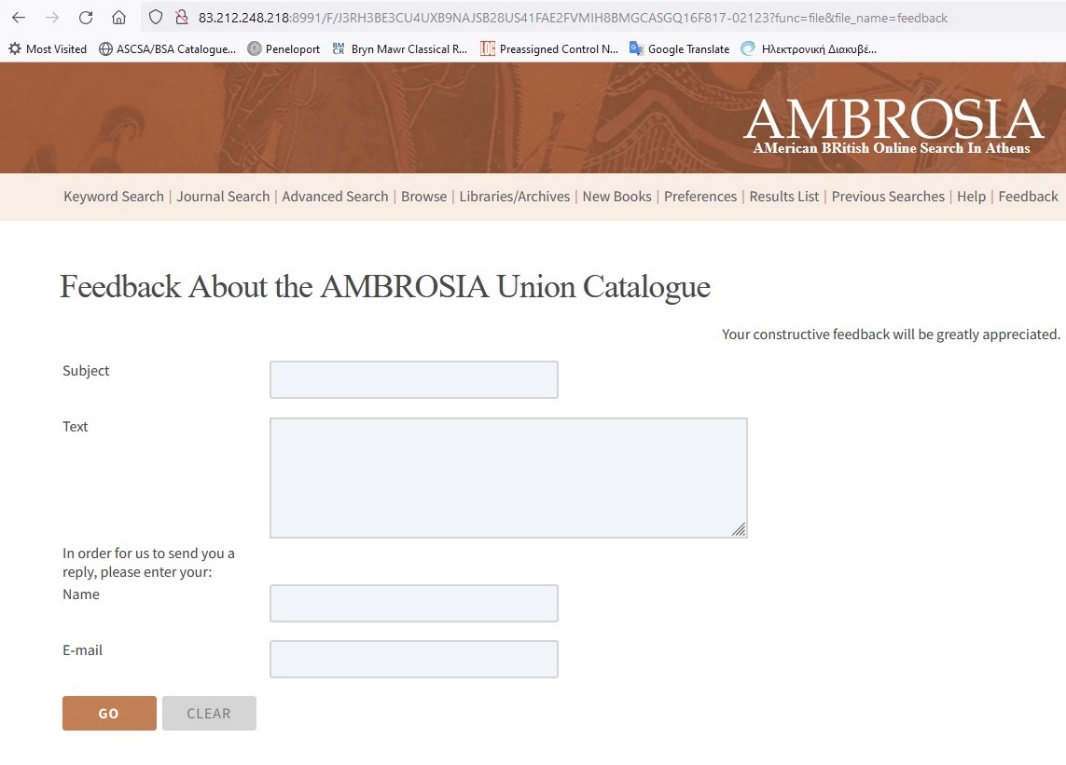
1. Search in Ambrosia
Ambrosia :Union catalog of the ASCSA and the BSA Libraries.
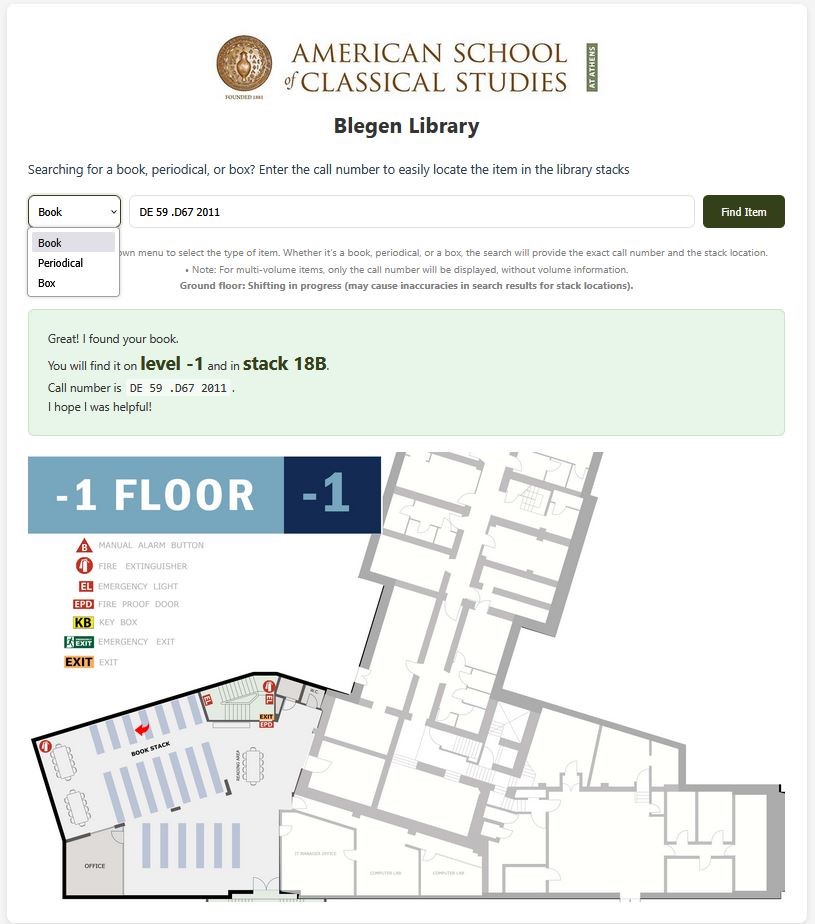
2. To locate books in the stacks
- This application allows you to search for a specific call number and locate it in the stacks (including floor plans and highlighting stack’s number)
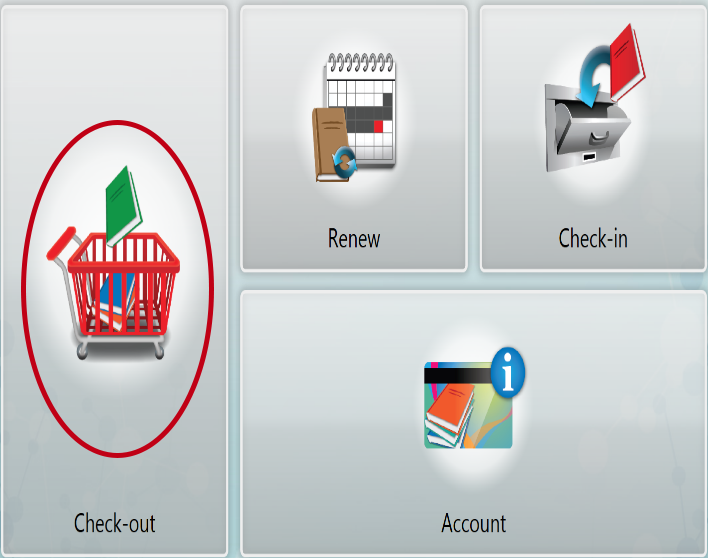
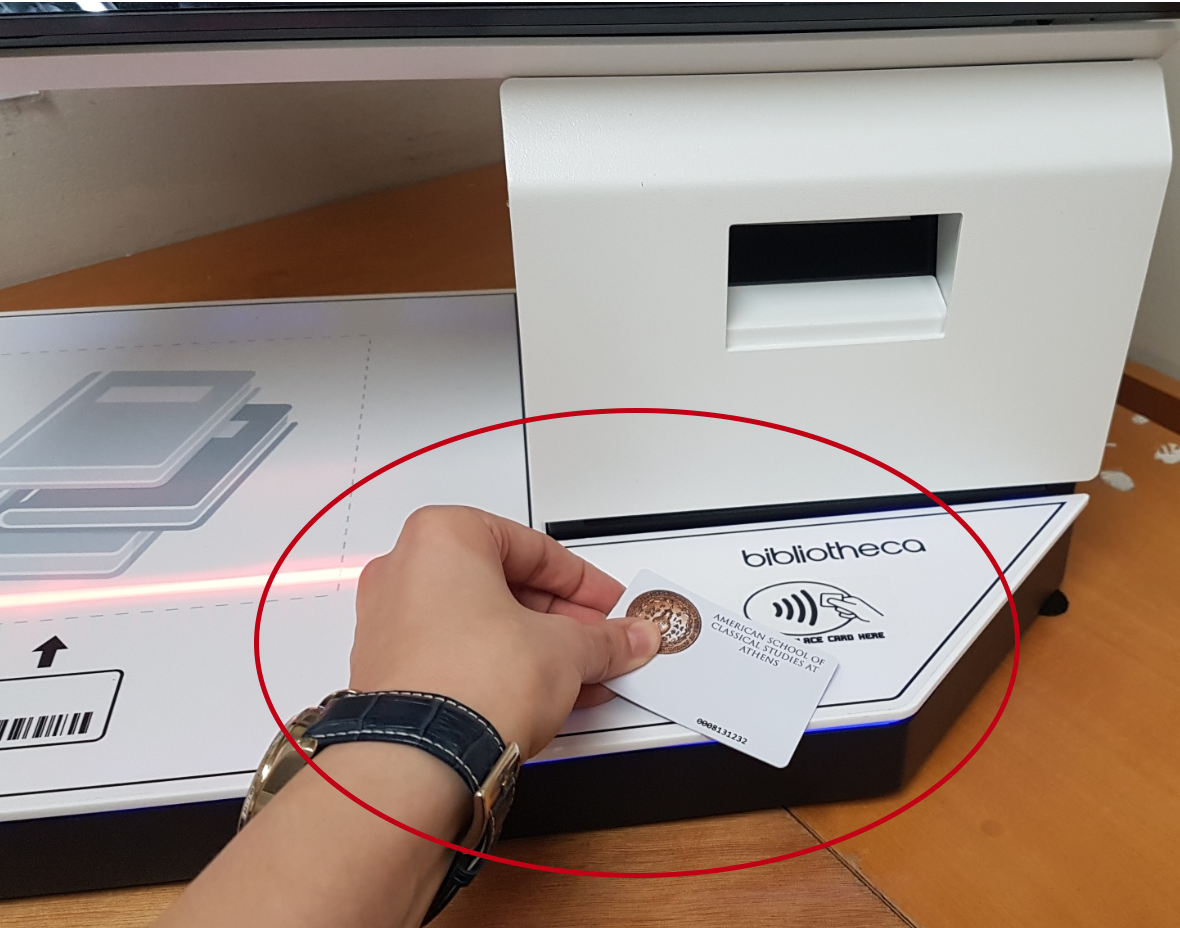
3. To "Check-out" Books
| 1) Select Check-out | 2) Use Library card | 3) Scan items |
|---|---|---|
 |  | 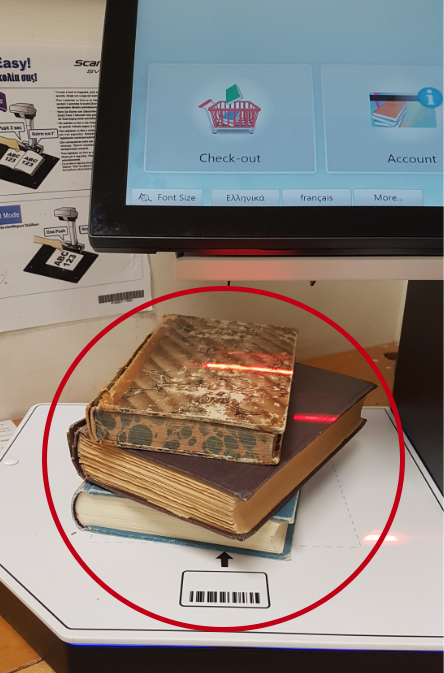 |
Reminder
Books that can not be checked out to carrels / tables:
- New Books / New Periodicals (from the Reference Area)
- Oversized Books
- Books from the Reserve Shelf (in the Main Reading Room)
4. To find “books on loan”
- If a book is checked out, use the “On loan” application to locate it.

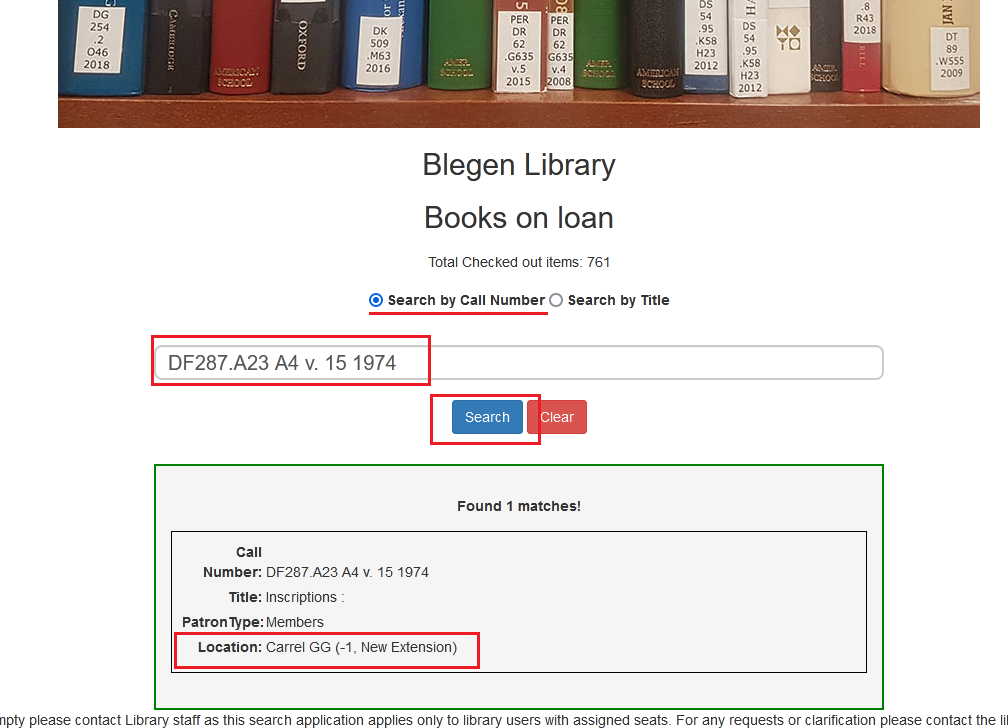
- Choose Call number or Title
- Enter the data and click on Search
- Get the location (no. of carrel/table)
Reminder
The Loan Report is not live, but gets updated several times during the day.
5. To borrow a book already on loan.
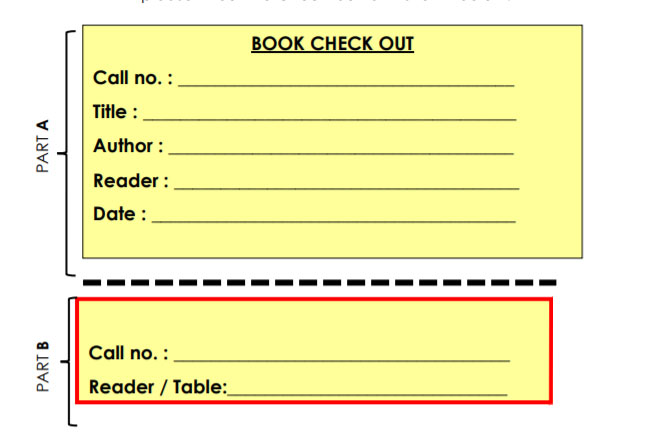
6. How to return books and periodicals
Books: Place them in the reshelving carts in vertical order for staff to reshelve.
Periodicals: Check them in through the self-check kiosks and then reshelve.
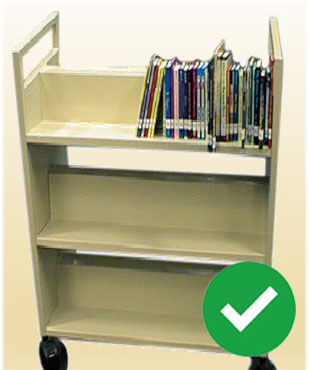
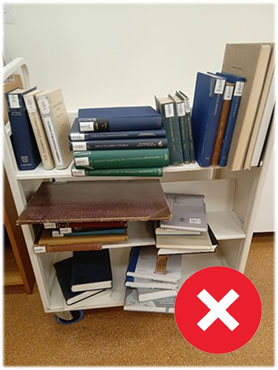
If you wish to check references, quickly consult or scan books and not keep them on your table…Please return the book(s) on the shelf and don’t leave them on the cart.
The Blegen Staff might not be able to reshelve books immediately, especially during the weekends and holidays.
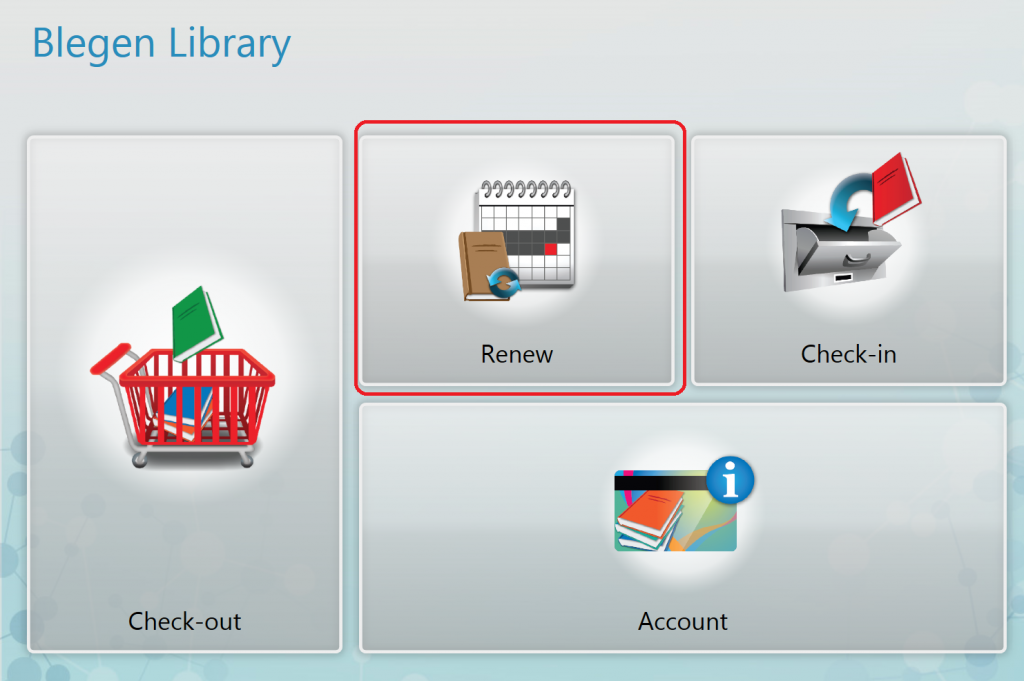
7. To renew a book (applies only to ASCSA members)
If you wish to keep some or all of your books more than a month..
- Remember to renew them through the KIOSK (you will only need your library card!)
8. To suggest a book
- Use the AMBROSIA Feedback Form
- Write to acquisitions@ascsa.edu.gr
- Fill one of the paper slips in the green boxes near the public terminals on the ground floor of the library